Intel / Learning Center
CE · COURSE
Free · video series
Context Engineering
How AI apps decide what the model sees — from your first prompt to multi-agent systems.
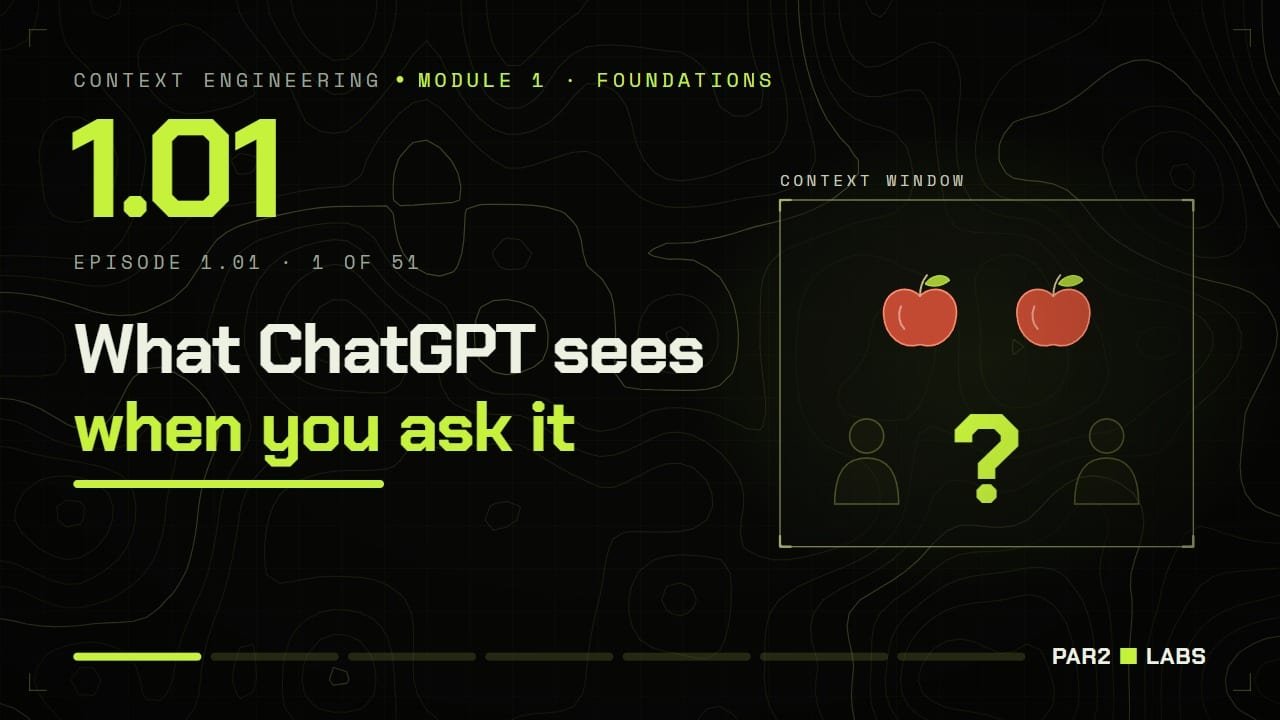
Learn what an AI model actually reads, why it gets things wrong, and how the teams behind real AI products decide what to put in front of it. No coding needed.
M1
M2
M3
M4
M5
M6
M7
51
Video lessons
7
Modules
141
Vertical shorts
2–5
Minutes each
Free
No sign-up
8 of 51 lessons live
16%
Next · 2.01 What Is a System Prompt? — Mon 28 Sep · 6:30 PM IST
New lessons every Monday, Wednesday, Friday and Sunday at 6:30 PM IST.
// 01
Who it's for
No code needed. Nothing skipped.
Anyone curious about how AI products really work. Built so a non-technical person can follow every lesson and finish the whole course — and deep enough that engineers still pick up production practice.
The promise
“By the last video, someone who has never written code can explain what an AI model sees, why it gets things wrong, and how the people who build AI products decide what to put in front of it.”
// 02
How every lesson works
01
One idea per lesson
Each lesson is 2–5 minutes and teaches exactly one idea.
02
Simple picture first
Every lesson starts with a plain-English picture anyone can follow.
03
A real example
Then the same idea inside a product you already use.
04
Under the hood
Then the actual mechanism, with every term explained as it appears.
05
In production
And finally how teams building AI products really do it.
// 03
What you'll learn
Seven modules, from your first prompt to teams of agents.
Release schedule
Mon · Wed · Fri · Sun
6:30 PM IST
Subscribe on YouTube to get each lesson the moment it goes live.
// 04
Curriculum
Every lesson, in order.
08 / 51 LIVE
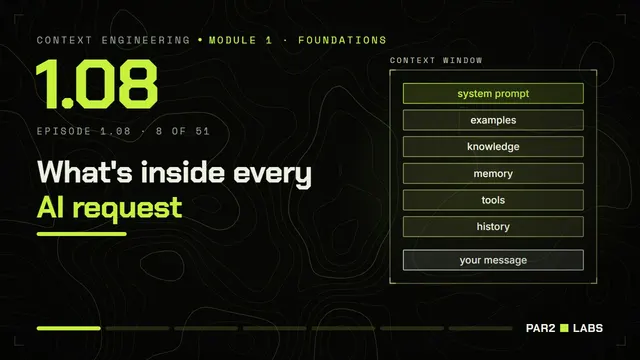
Module 1 · 8 lessons
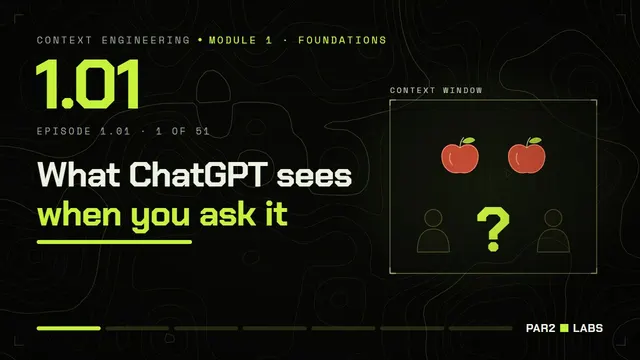
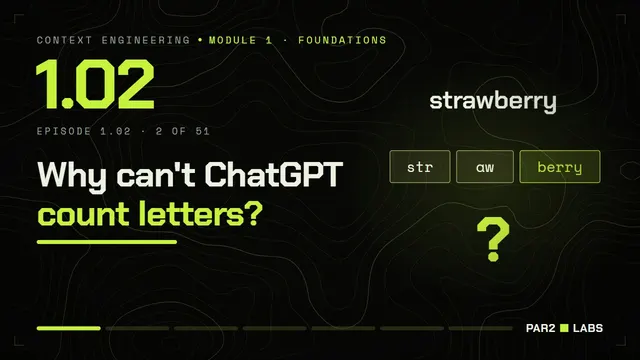
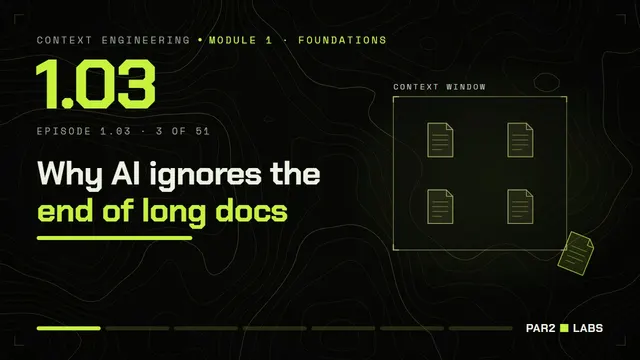
Foundations of Context Engineering
Know what a model actually sees, why it forgets, and why what you put in front of it matters more than anything else.
All live
Module 2 · 7 lessons
System Prompt and Instruction Design
Write the system prompt that is in the context window for every call: clear, at the right level, testable.
0/7 live
Opens Mon 28 Sep · 6:30 PM IST
Next up · goes live
Mon 28 Sep · 6:30 PM IST
2.01
28 Sep
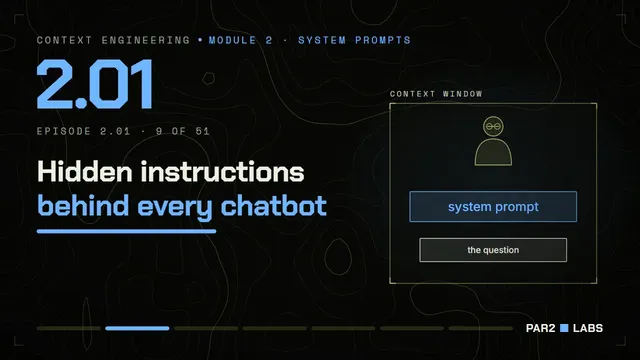
What Is a System Prompt?
The standing briefing that frames every answer.
Goes live
Wed 30 Sep · 6:30 PM IST
2.02
30 Sep
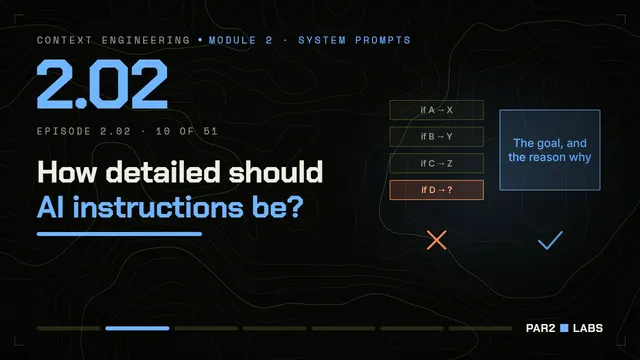
How Detailed Should a System Prompt Be?
Too rigid breaks on new cases; too vague gives no direction.
Goes live
Fri 2 Oct · 6:30 PM IST
2.03
2 Oct
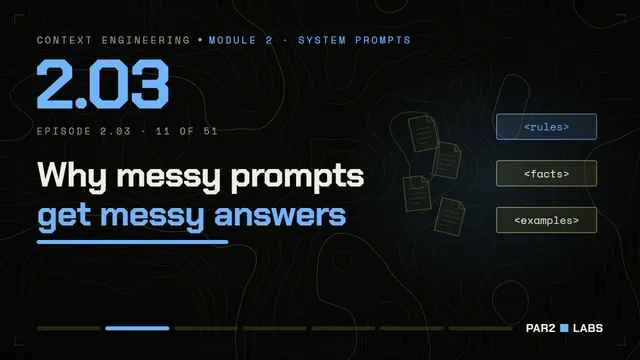
How to Structure a Prompt: Sections and XML Tags
Labelled sections let the model find and weigh each part.
Goes live
Sun 4 Oct · 6:30 PM IST
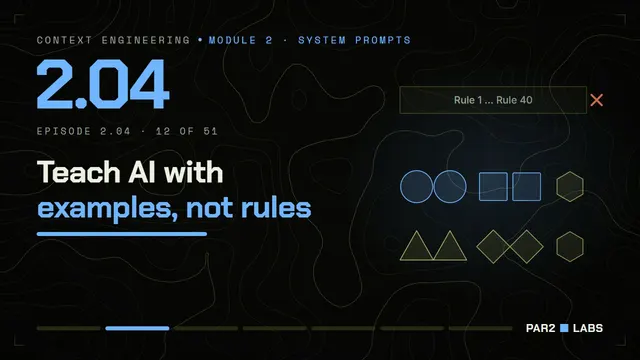
2.04
4 Oct
Few-Shot Prompting: Teach AI With Examples
A few good examples teach the pattern faster than rules.
Goes live
Mon 5 Oct · 6:30 PM IST
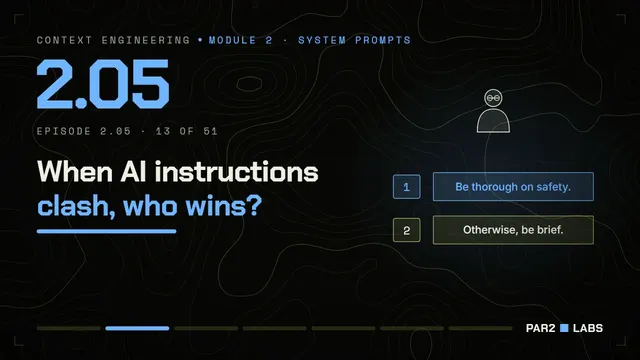
2.05
5 Oct
Conflicting Instructions and Prompt Injection
When instructions disagree, say which one wins.
Goes live
Wed 7 Oct · 6:30 PM IST
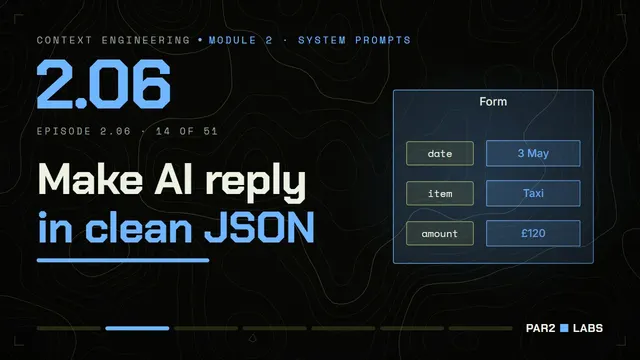
2.06
7 Oct
Structured Output: Getting JSON From AI
Ask for the shape the next machine or person needs.
Goes live
Fri 9 Oct · 6:30 PM IST
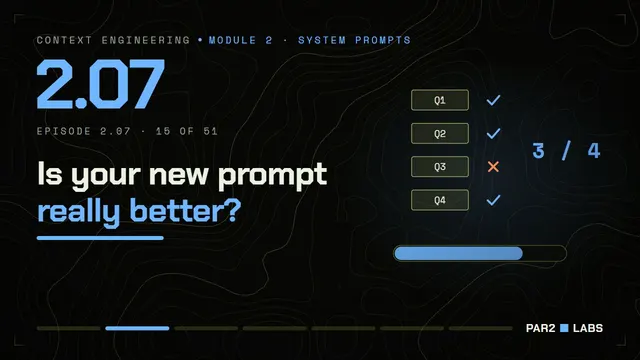
2.07
9 Oct
How to Test Prompts: AI Evaluation Basics
A change that 'feels better' needs a number.
Module 3 · 9 lessons
Knowledge Retrieval and Genie Configuration
Find the right facts in a huge pile of documents and data, and bring only those into the model's context window.
0/9 live
Opens Sun 11 Oct · 6:30 PM IST
Goes live
Sun 11 Oct · 6:30 PM IST
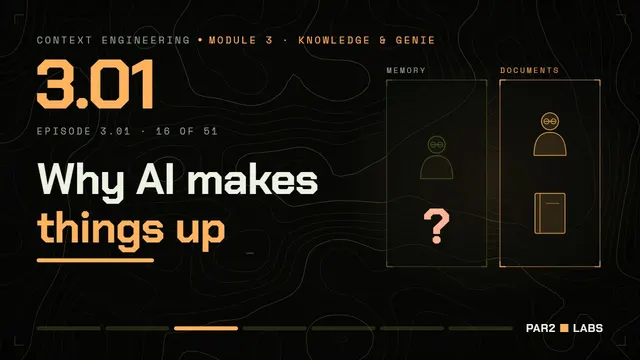
3.01
11 Oct
What Is RAG? Why AI Makes Things Up Without It
Models answer better from a page in front of them than from memory.
Goes live
Mon 12 Oct · 6:30 PM IST
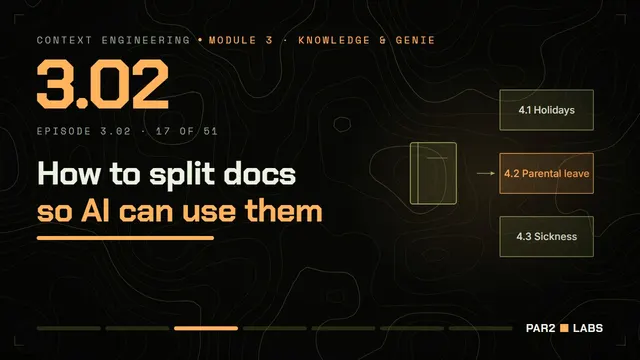
3.02
12 Oct
Chunking for RAG: How to Split Documents
Documents are split into pieces small enough to fetch and big enough to make sense.
Goes live
Wed 14 Oct · 6:30 PM IST
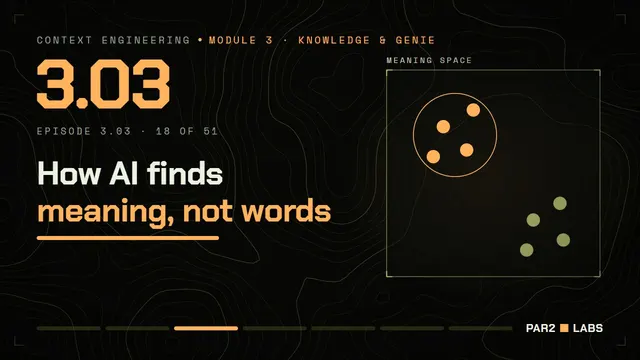
3.03
14 Oct
What Are Embeddings? Meaning as Numbers
Text becomes a point in space; similar meanings sit close together.
Goes live
Fri 16 Oct · 6:30 PM IST
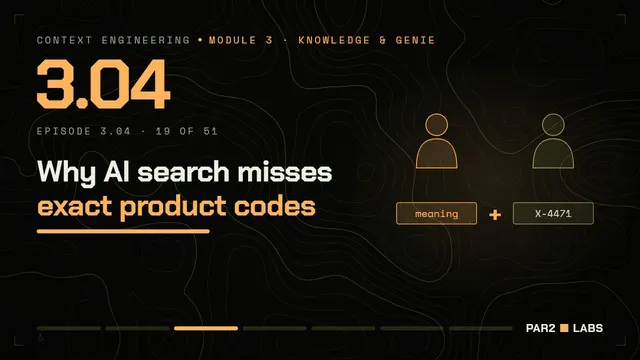
3.04
16 Oct
Vector Search vs Keyword Search: Hybrid Search Explained
Meaning search and keyword search catch different things; use both.
Goes live
Sun 18 Oct · 6:30 PM IST
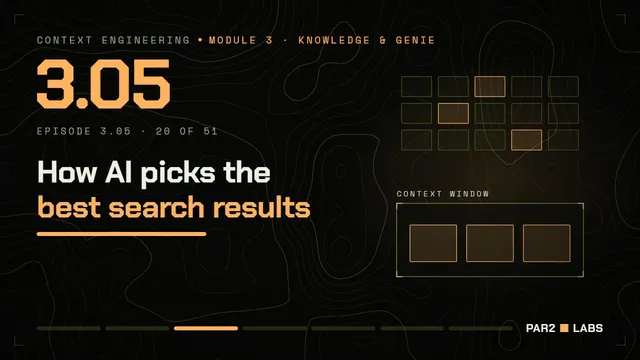
3.05
18 Oct
Reranking and Filters: Better RAG Results
Fetch broadly, then keep only the best few.
Goes live
Mon 19 Oct · 6:30 PM IST
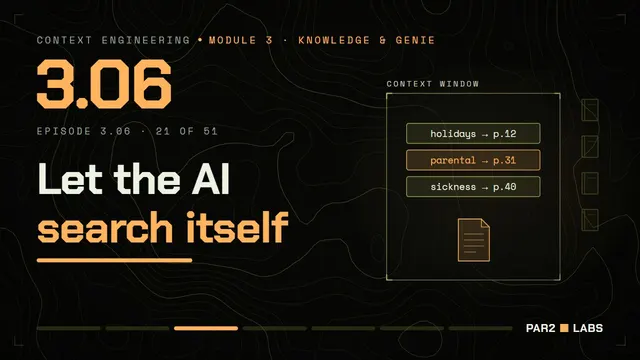
3.06
19 Oct
Agentic Search: Let AI Fetch What It Needs
Load a pointer now, the full page only when it is needed.
Goes live
Wed 21 Oct · 6:30 PM IST
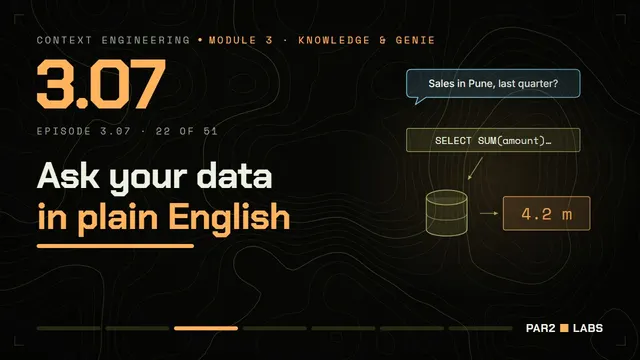
3.07
21 Oct
Text-to-SQL: Ask Your Data Questions With Databricks Genie
For numbers, the right page is a query, not a paragraph.
Goes live
Fri 23 Oct · 6:30 PM IST
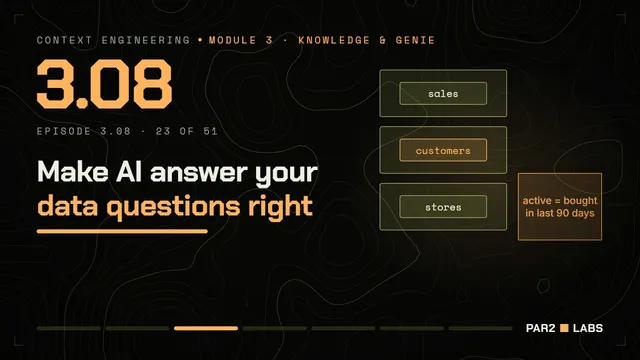
3.08
23 Oct
How to Set Up a Databricks Genie Space
Genie is only as good as the context you give it about your data.
Goes live
Sun 25 Oct · 6:30 PM IST
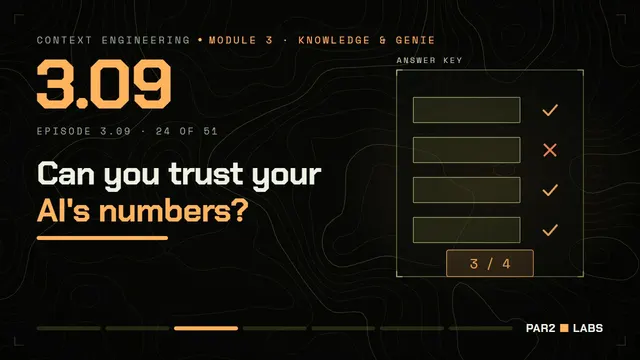
3.09
25 Oct
Testing Databricks Genie With Benchmarks
A set of known questions with known answers keeps Genie honest.
Module 4 · 7 lessons
Memory Architecture with Lakebase and MLflow
Give a forgetful agent a memory store — and see exactly what was in the context window when something went wrong.
0/7 live
Opens Mon 26 Oct · 6:30 PM IST
Goes live
Mon 26 Oct · 6:30 PM IST
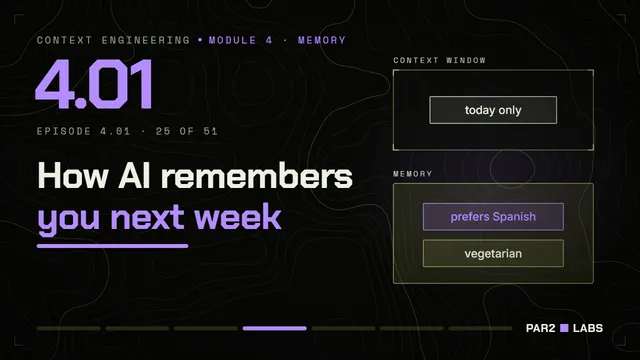
4.01
26 Oct
AI Memory Explained: Short-Term vs Long-Term
This conversation vs what should carry over to the next one.
Goes live
Wed 28 Oct · 6:30 PM IST
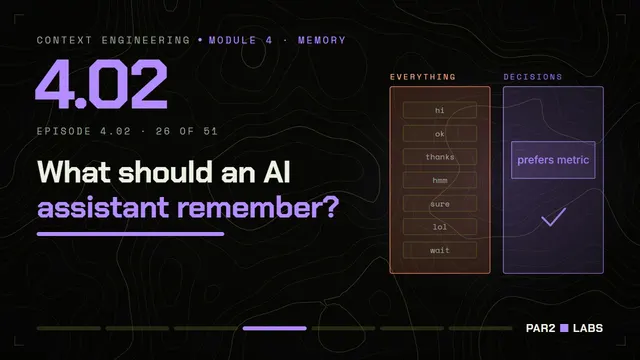
4.02
28 Oct
What Should an AI Agent Remember?
Memory is a write policy: most things should be forgotten.
Goes live
Fri 30 Oct · 6:30 PM IST
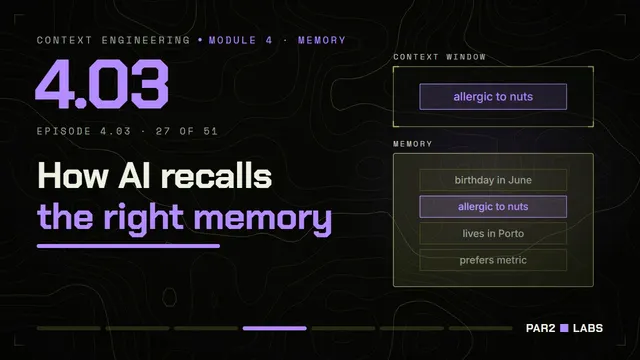
4.03
30 Oct
Memory Recall: The Right Memory at the Right Time
Memory only helps if the right entry reaches the context window at the right time.
Goes live
Sun 1 Nov · 6:30 PM IST
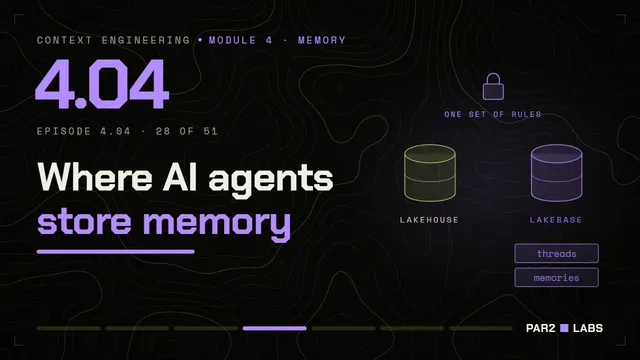
4.04
1 Nov
Databricks Lakebase: Postgres Memory for AI Agents
Memory needs a fast, reliable store beside your data.
Goes live
Mon 2 Nov · 6:30 PM IST
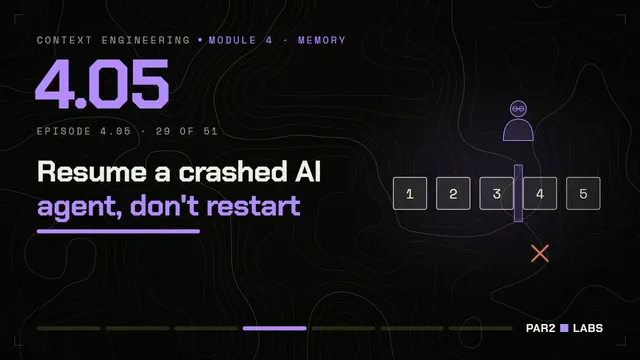
4.05
2 Nov
Agent Checkpoints: Resume Where You Left Off
Save the agent's state at each step so work can resume.
Goes live
Wed 4 Nov · 6:30 PM IST
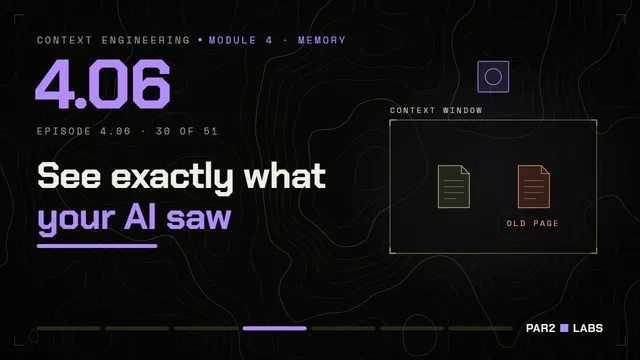
4.06
4 Nov
MLflow Tracing: Debug What Your AI Saw
When an answer is wrong, look at the context window, not the answer.
Goes live
Fri 6 Nov · 6:30 PM IST
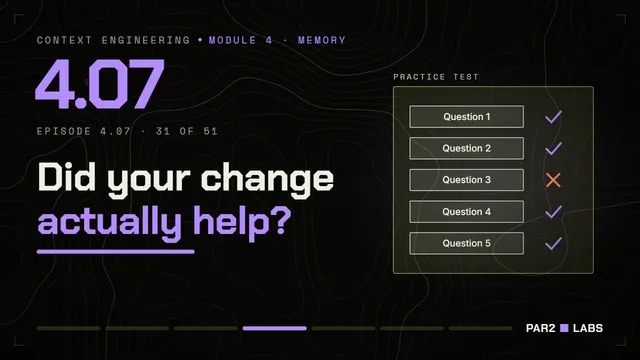
4.07
6 Nov
How to Evaluate AI Agents With MLflow
Measure whether a context change helped, and keep every version.
Module 5 · 7 lessons
Tool Design, MCP, and Agent Context
Let the model act — and understand that every tool is also something it has to read.
0/7 live
Opens Sun 8 Nov · 6:30 PM IST
Goes live
Sun 8 Nov · 6:30 PM IST
5.01
8 Nov
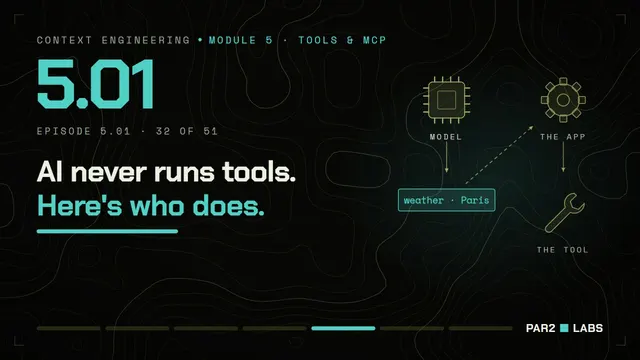
How AI Tool Calling Works
A tool is a description in the context window and a result that lands on it.
Goes live
Mon 9 Nov · 6:30 PM IST
5.02
9 Nov
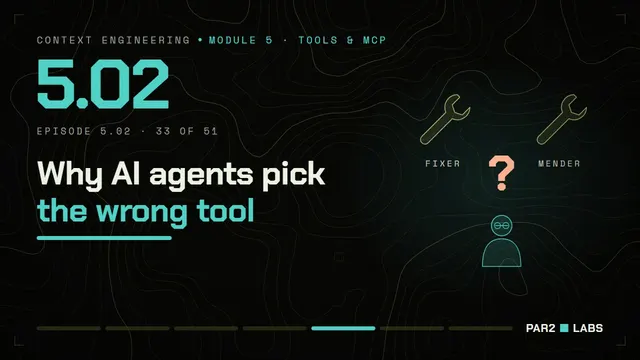
How to Design Tools for AI Agents
Clear names, clear descriptions, few overlapping tools.
Goes live
Wed 11 Nov · 6:30 PM IST
5.03
11 Nov
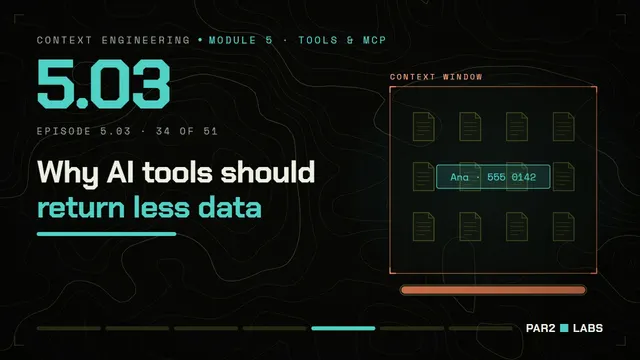
Tool Results: Don't Flood Your AI's Context
A tool that returns everything floods the context window.
Goes live
Fri 13 Nov · 6:30 PM IST
5.04
13 Nov
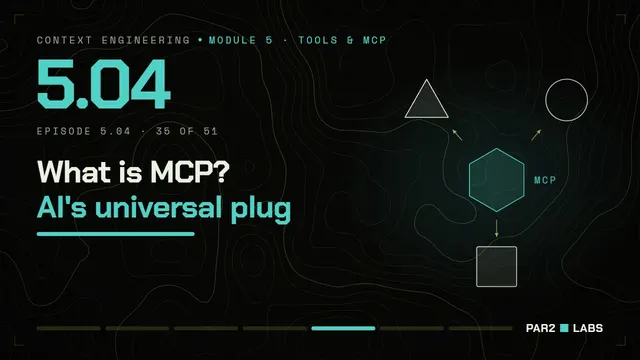
What Is MCP? Model Context Protocol Explained
One standard plug so any tool can connect to any AI app.
Goes live
Sun 15 Nov · 6:30 PM IST
5.05
15 Nov
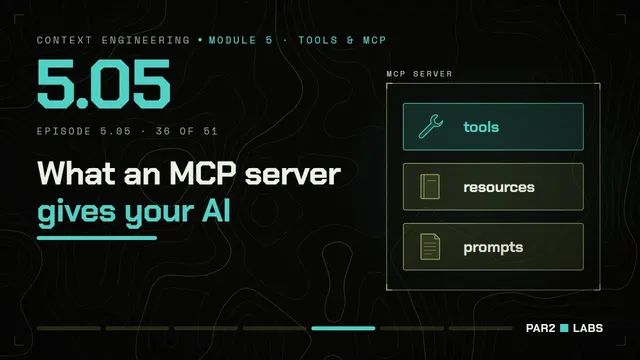
Inside an MCP Server: Tools, Resources and Prompts
A server offers tools to act, resources to read, and prompts to reuse.
Goes live
Mon 16 Nov · 6:30 PM IST
5.06
16 Nov
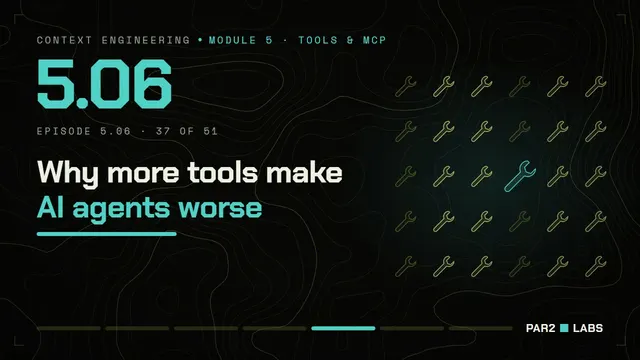
Too Many Tools: Why AI Agents Get Confused
Every tool you add makes choosing harder and the context window fuller.
Goes live
Wed 18 Nov · 6:30 PM IST
5.07
18 Nov
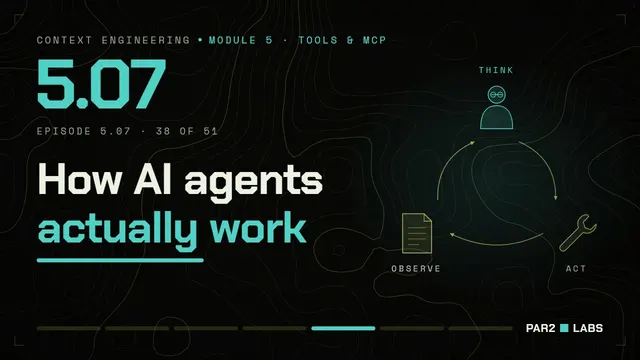
How AI Agents Work: The Agent Loop
Think, act, observe, repeat — and every lap adds to the context window.
Module 6 · 6 lessons
Context Compression and Compaction
Keep a long-running agent sharp when the context window keeps filling up.
0/6 live
Opens Fri 20 Nov · 6:30 PM IST
Goes live
Fri 20 Nov · 6:30 PM IST
6.01
20 Nov
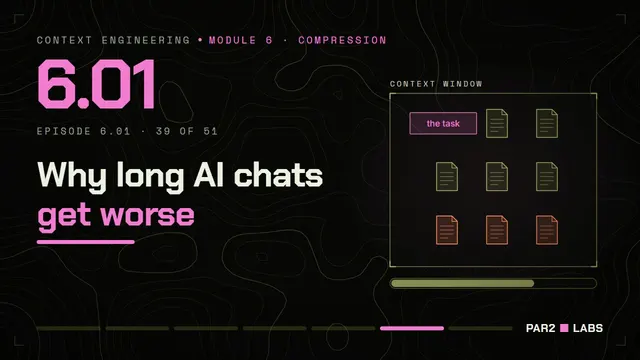
Context Rot: Why Long AI Chats Get Worse
Quality drops as the context window fills, long before it overflows.
Goes live
Sun 22 Nov · 6:30 PM IST
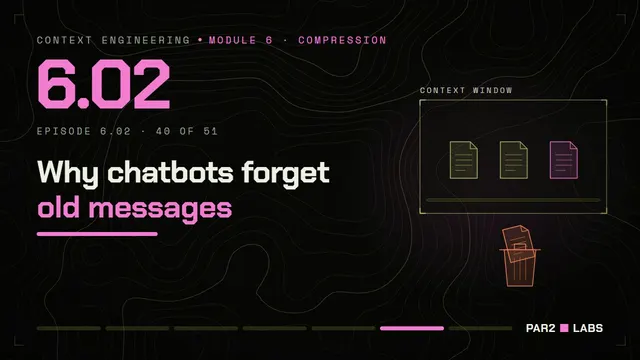
6.02
22 Nov
Trimming Chat History: Sliding Window Memory
The simplest fix: drop the oldest pages.
Goes live
Mon 23 Nov · 6:30 PM IST
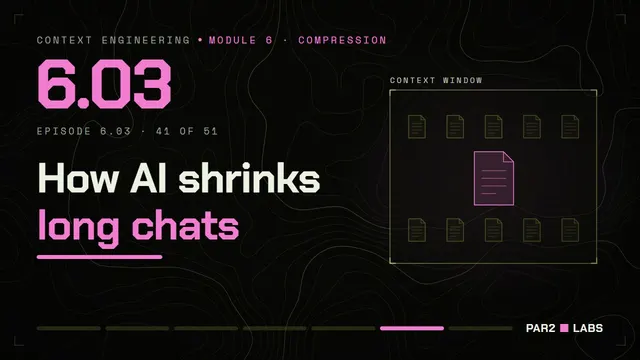
6.03
23 Nov
Summarising Chat History for AI
Many old pages become one short page.
Goes live
Wed 25 Nov · 6:30 PM IST
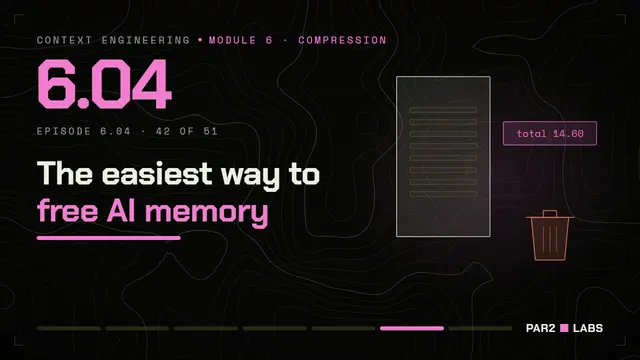
6.04
25 Nov
Clearing Old Tool Results From AI Context
Raw tool output is the safest thing to remove once used.
Goes live
Fri 27 Nov · 6:30 PM IST
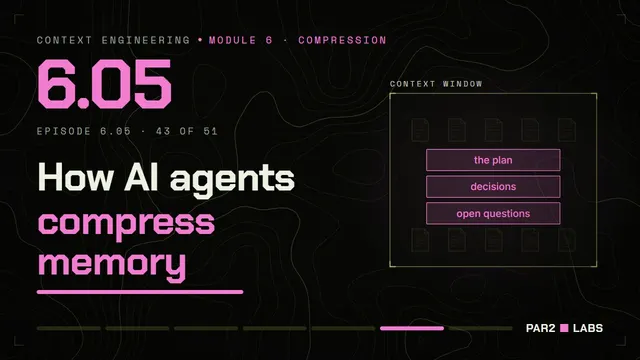
6.05
27 Nov
Context Compaction: How AI Agents Summarise Themselves
When the context window is nearly full, rebuild it from what matters.
Goes live
Sun 29 Nov · 6:30 PM IST
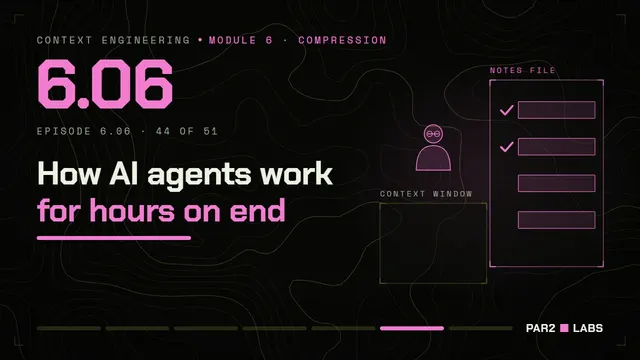
6.06
29 Nov
Agent Memory Files: Notes Outside the Context Window
Write progress to a file; read it back when needed.
Module 7 · 7 lessons
Multi-Agent and Long-Horizon Task Design
Split big work across agents with clean contexts, and carry a task across days.
0/7 live
Opens Mon 30 Nov · 6:30 PM IST
Goes live
Mon 30 Nov · 6:30 PM IST
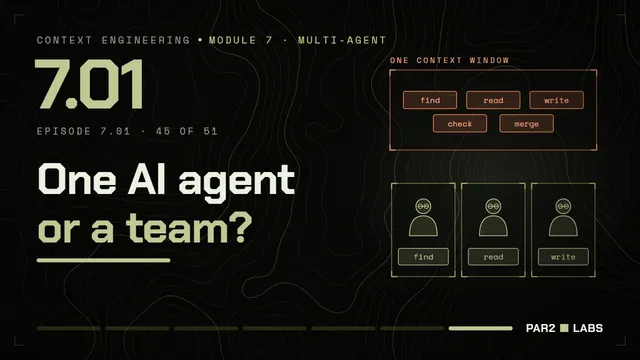
7.01
30 Nov
Multi-Agent AI: When to Use More Than One Agent
Several clean contexts beat one overloaded context.
Goes live
Wed 2 Dec · 6:30 PM IST
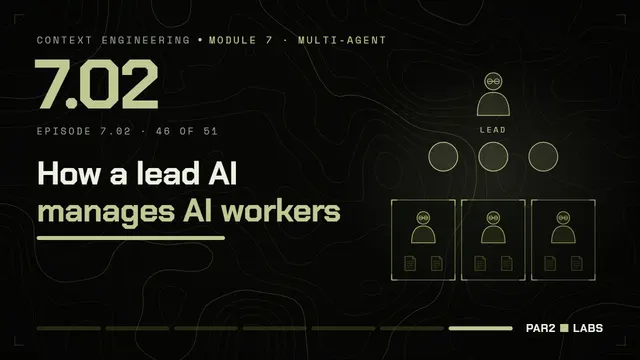
7.02
2 Dec
Orchestrator and Worker Agents Explained
One lead plans; workers go deep; results come back condensed.
Goes live
Fri 4 Dec · 6:30 PM IST
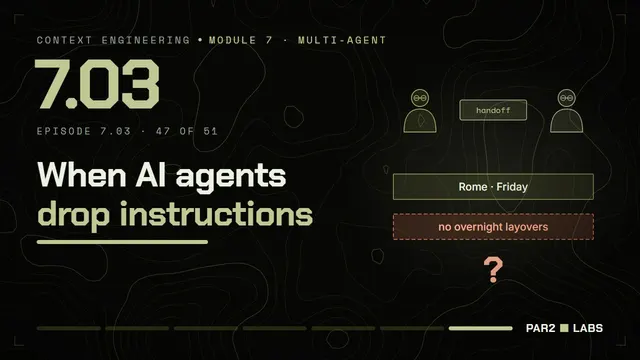
7.03
4 Dec
Agent Handoffs: Passing Context Between AI Agents
What one agent passes to the next decides what the next one knows.
Goes live
Sun 6 Dec · 6:30 PM IST
7.04
6 Dec
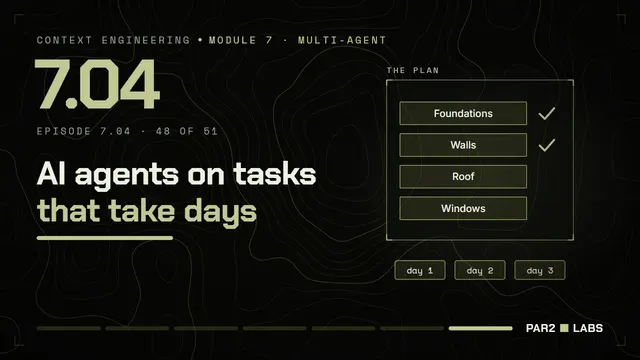
Long-Running AI Agents: Tasks That Take Days
Work longer than one context window needs a plan, a checklist and a record.
Goes live
Mon 7 Dec · 6:30 PM IST
7.05
7 Dec
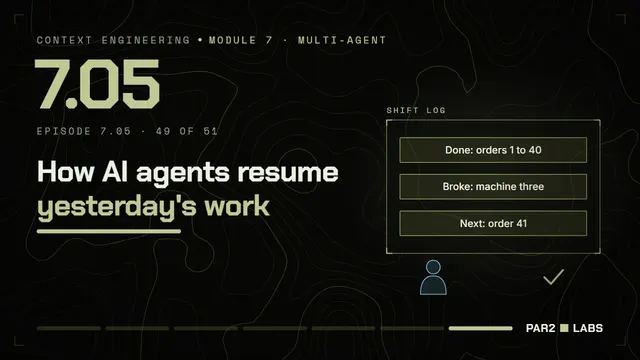
Resuming AI Agents in a Fresh Context Window
A fresh context window can pick up the work if the notes are good.
Goes live
Wed 9 Dec · 6:30 PM IST
7.06
9 Dec
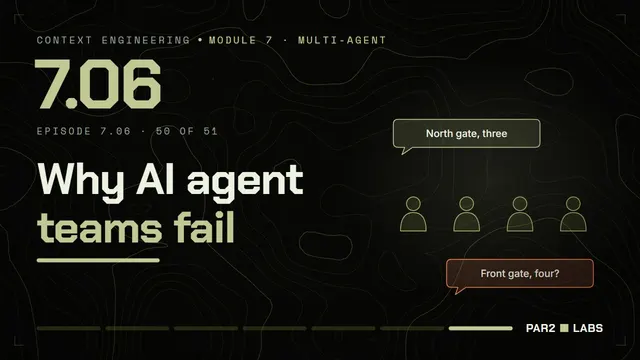
Why Multi-Agent AI Systems Fail
More agents means more ways to lose context between them.
Goes live
Fri 11 Dec · 6:30 PM IST
7.07
11 Dec
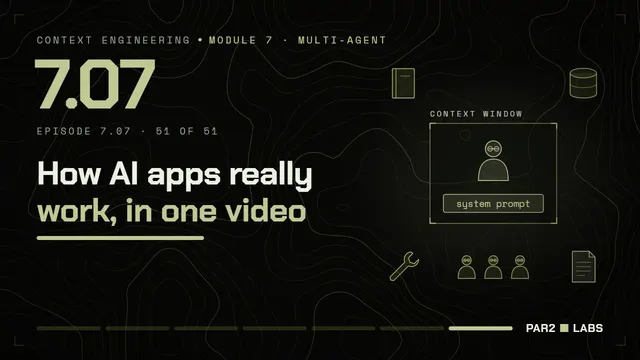
Context Engineering: The Complete Picture
One agent, every layer of the course, on real infrastructure.
New lessons every week
Learn what the model sees.
51 free lessons and 141 shorts on the PAR2 LABS YouTube channel. New lessons every Monday, Wednesday, Friday and Sunday at 6:30 PM IST.