All Resources
R-40
Intelligence (AI)
Local AI: When It Wins, and When It Does Not
An honest account of running models on your own hardware — the four cases where it is clearly right, the arithmetic that decides cost, and the operational burden nobody mentions.
PAR2 Labs
August 22, 2026
14 min
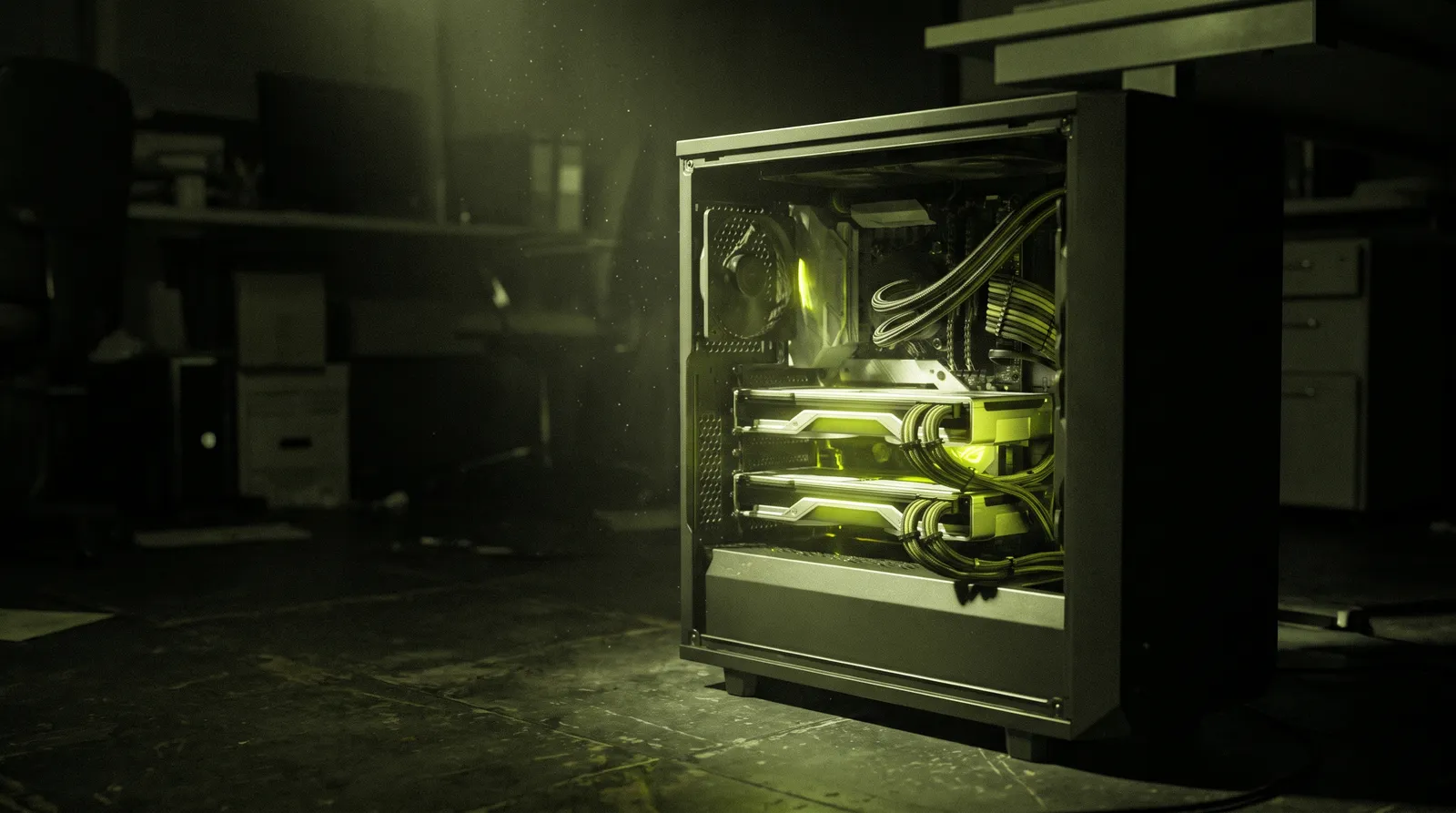
Local inference is neither the obvious future nor a hobbyist detour. It is an engineering trade with a narrow set of cases where it clearly wins and a much larger set where it quietly costs more than the API it replaced. This is how to tell which one you are in, before you buy the hardware.
Watch the explainer
5:11
Narrated, with every diagram built on screen: when local wins, the arithmetic, standing it up and what people regret.
01
The four cases where local clearly wins
Data that legally or contractually cannot leave a boundary. Workloads with high, steady volume where per-token pricing compounds. Latency requirements that a round trip cannot meet. And environments where the network is unreliable or absent.
Notice what is not on that list: cost at low volume, quality, and 'we want control'. At low volume an API is almost always cheaper all-in, frontier hosted models remain ahead of what fits on one box, and control has an operational price that is easy to underestimate.
Fig 1 — this is not a maturity ladder. Most production systems end up hybrid: a local model for the high-volume routine path and a hosted model for the hard cases.
02
The arithmetic
The break-even calculation is simple enough to do on the back of an envelope, and doing it honestly settles most arguments. Count the whole cost of local, not just the GPU: hardware amortised over its useful life, power, hosting or rack space, and the engineer time to keep it running.
Then compare against actual measured token volume — not projected volume, which is invariably optimistic by a factor that matters.
| Cost line | Hosted | Local | Note |
|---|---|---|---|
| Marginal request | Per token, published | ≈ electricity only | Local marginal cost is genuinely near zero — that is the whole appeal |
| Fixed cost | None | Hardware amortised + power + space | The number that has to be beaten by volume |
| Ops burden | Provider's problem | Yours: updates, drivers, capacity, on-call | Consistently the most underestimated line |
| Capability ceiling | Frontier, improves without you | What fits in your VRAM today | Improving quickly, still a real gap on hard reasoning |
| Scaling shape | Elastic, instant | Buy another box, wait for delivery | Spiky demand is expensive to serve locally |
| Data exposure | Leaves your boundary | Stays inside | Often the only line that actually matters |
← Swipe for the rest of the table →
← Drag for the rest of the table →
If data residency is the driver, the arithmetic is irrelevant — the requirement decides it. Do the sums only when cost is the argument.
Local inference is not a maturity ladder — it is a trade with four narrow cases where it clearly wins.
03
Standing up local inference properly
If you have concluded local is right, this is the path. The order matters: measuring demand before buying hardware prevents the most expensive mistake in the exercise.
01
Measure real demand before buying anything
TOOL
Your existing hosted usage
USE
Tokens per day, p95 concurrency, prompt/completion split
GET
A sizing input based on evidence
Instrument the current hosted usage for at least two weeks: total tokens, requests per second at peak, and the ratio of input to output tokens. Model that against candidate hardware before any purchase.
Why: VRAM sizing follows from concurrency and context length, not from the parameter count alone. Buying first and measuring later is how you end up with a box that cannot serve peak.
02
Right-size the model to the task
TOOL
Your eval set
USE
Smallest model that passes; compare against the hosted baseline
GET
A justified model choice
Run your eval set against progressively smaller models until quality drops below the threshold the task genuinely needs. Compare each against the hosted model you are replacing, on the same set.
Why: Most production tasks are classification, extraction or routine drafting, and a well-chosen small model handles them. Serving a very large model for a task a small one does is the fastest way to make local uneconomic.
03
Understand quantisation before you rely on it
TOOL
GGUF or AWQ/GPTQ quantised weights
USE
8-bit for near-parity; 4-bit when memory forces it
GET
A model that fits, with known quality
Prefer 8-bit where it fits — degradation is usually slight. Drop to 4-bit only when memory forces it, and always re-run the eval set afterwards rather than trusting a general benchmark.
Why: Quantisation loss is task-dependent. A model that holds up on a public benchmark can degrade sharply on your specific extraction task, and only your eval set will show it.
04
Choose the serving stack for the shape of your load
TOOL
vLLM for throughput, llama.cpp/Ollama for simplicity
USE
Continuous batching and paged attention for concurrency
GET
Hardware you are actually using
Use a server with continuous batching and paged KV-cache management if you have concurrent traffic. Use the simpler single-process runtimes for low concurrency, edge boxes or development.
Why: Naive serving leaves most of a GPU idle under concurrent load. Continuous batching is often the difference between serving five users and fifty on identical hardware.
05
Put it behind the same interface as the hosted model
TOOL
An OpenAI-compatible endpoint
USE
One client interface, provider selected by config
GET
A reversible decision
Expose the local server behind the same API shape your application already uses, and make the provider a configuration value. Keep the hosted path working and tested.
Why: This keeps the decision reversible per workload and lets you route hard cases to a hosted model without a rewrite. It is also your fallback when the box is down.
06
Run it like production, because it is
TOOL
Your existing monitoring
USE
GPU utilisation, VRAM headroom, queue depth, p95 latency, thermals
GET
An operable service
Alert on queue depth and VRAM headroom, not just on liveness. Plan for driver and runtime upgrades, model version pinning, and who is on call when it stops at 2am.
Why: This is the line that gets left out of the business case and then dominates the actual cost. A local model is infrastructure, with all the obligations that implies.
04
What people regret
Every item here is something teams say afterwards, not something they anticipated. Most of them stem from treating the move as a technology choice rather than an operations commitment.
Regrets, in order of frequency
01
Bought hardware before measuring demand, and sized it against a projection rather than a trace.
02
Served a very large model for a task a small one handled, destroying the cost case entirely.
03
Quantised to 4-bit for memory, never re-ran the eval set, and shipped a quiet quality regression.
04
No continuous batching, so a capable GPU served a handful of concurrent users.
05
No fallback to a hosted provider, so a driver upgrade became a product outage.
06
Counted GPU and power in the business case, and left out the engineer who now maintains it.
05
Reference
The serving-stack documentation is the practical reading; the sizing decisions come from your own traces rather than from anyone's benchmark table.
Primary documentation
vLLM
Continuous batching and paged attention — the throughput path for concurrent serving.
llama.cpp
GGUF quantisation formats and CPU/GPU inference for smaller deployments.
Ollama
The fastest way to get a local model behind an HTTP endpoint for evaluation.
Hugging Face Transformers
Model cards, licences and quantised weight variants.
NVIDIA DGX Spark
The unified-memory class of box that fits models a consumer card cannot.
OpenTelemetry — GenAI conventions
So local and hosted paths report the same telemetry shape.
Key Takeaways
01
Default to hosted until a specific constraint forces local, then move only that workload.
02
Measure two weeks of real token volume and p95 concurrency before buying hardware.
03
Right-size the model to the task — a large model on a small task destroys the cost case.
04
Put local behind the same interface as hosted, so the decision stays reversible.
PAR2 Labs · Intelligence (AI)
Work With Us