All Resources
R-39
Electronics
LoRa: Long Range Telemetry at Almost No Cost
Kilometres of range on a coin cell — the spreading-factor trade, duty-cycle arithmetic, payload discipline, and when LoRaWAN beats running your own network.
PAR2 Labs
August 21, 2026
13 min
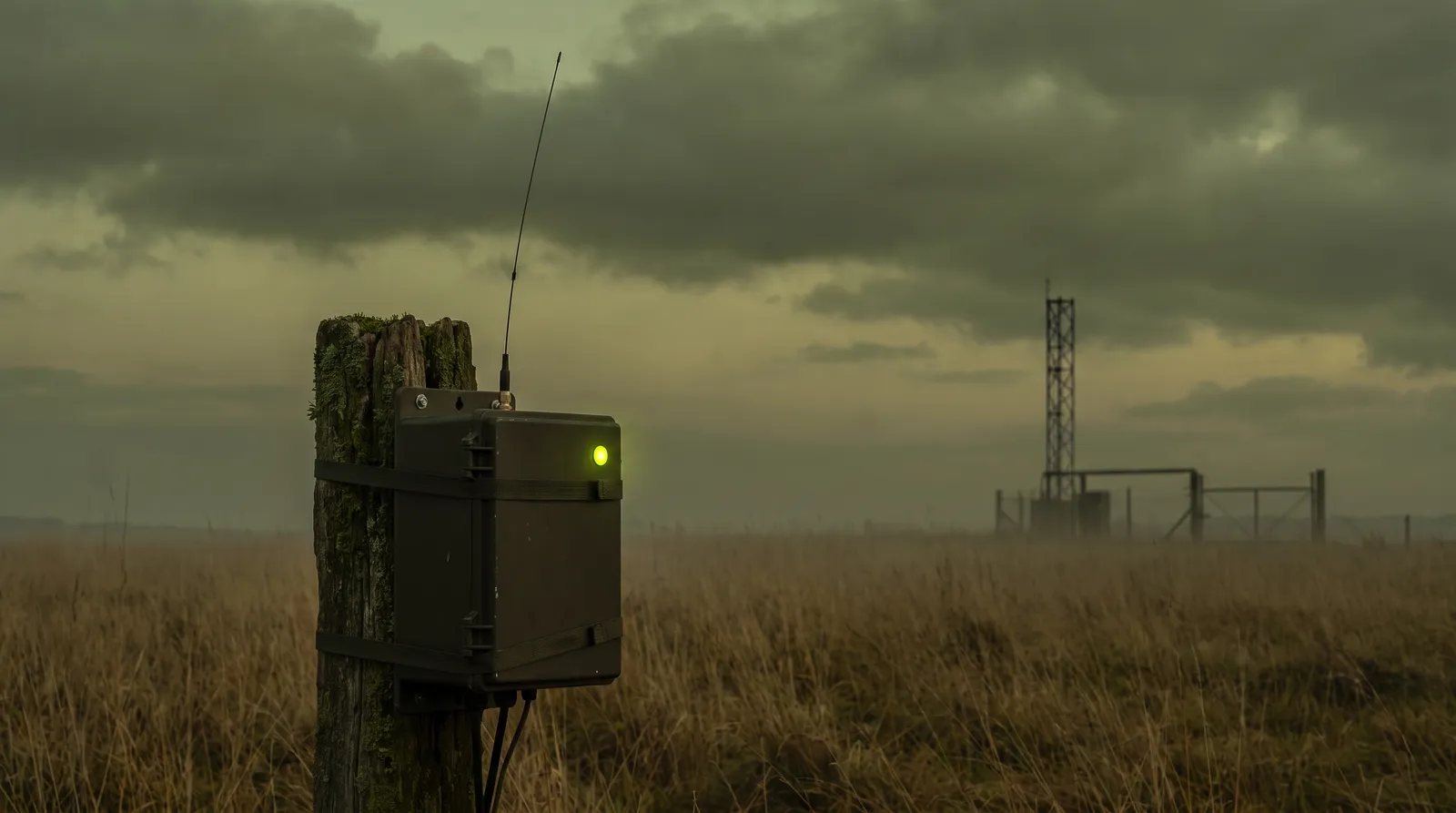
LoRa buys range and battery life by giving up bandwidth, and the whole engineering discipline is learning to want very little data. A node that sends eleven bytes every fifteen minutes can run for years on a cell and reach a gateway kilometres away through buildings. A node that tries to send a kilobyte a minute will not work at all, and understanding exactly why is the difference between a deployment and a science project.
Watch the explainer
5:06
Narrated, with every diagram built on screen: the spreading-factor trade, the topology, building a deployment and common mistakes.
01
The trade you are making
LoRa's spreading factor sets the trade directly: a higher spreading factor gives more range and more link budget, at the cost of a dramatically longer transmission for the same payload — which costs both energy and airtime allowance.
Airtime is the constraint people miss. Regional regulations cap how long a device may transmit per hour, and at high spreading factors a single message can consume a meaningful fraction of that budget.
| Spreading factor | Relative range | Airtime for a small payload | Practical use |
|---|---|---|---|
| SF7 | Shortest | Tens of milliseconds | Node close to the gateway, frequent updates possible |
| SF9 | Moderate | Low hundreds of milliseconds | The usual urban working point |
| SF12 | Longest | Around a second or more | Fringe nodes only — expensive in both energy and airtime |
← Swipe for the rest of the table →
← Drag for the rest of the table →
Each step up in spreading factor roughly doubles airtime for the same payload. Let the network manage this adaptively rather than pinning every node to SF12.
02
The topology, and where the intelligence sits
LoRaWAN is a star-of-stars: nodes talk to any gateway in range, gateways forward everything to a network server, and the network server deduplicates, manages security, and hands application payloads on. Nodes are not associated with a particular gateway, which is what makes coverage cheap to extend.
Fig 1 — adding coverage means adding a gateway, with no device reconfiguration. Class A nodes sleep until they transmit, which is why battery life is measured in years.
The whole discipline is learning to want very little data.
03
Building a deployment
Seven steps. The payload discipline in step 03 is where most of the battery life and most of the airtime headroom is won.
01
Confirm LoRa is the right radio
TOOL
A decision, in writing
USE
Payload size × frequency × node count
GET
A justified radio choice
Estimate bytes per message and messages per hour per node. If you need more than a few hundred bytes per node per hour, or sub-second latency, or a downlink-heavy protocol, choose something else — cellular IoT or Wi-Fi.
Why: LoRa is exceptional at small, infrequent, uplink-dominated telemetry and poor at everything else. Most failed deployments chose it for range and then needed bandwidth.
02
Decide network server: public, private or managed
TOOL
The Things Stack, or equivalent
USE
Coverage, data residency, and who operates it
GET
A named operator for the network layer
Use a community network where coverage exists and the data is not sensitive. Run or buy a private network server where you need guaranteed coverage, data residency or an SLA. Either way, decide before deploying hardware.
Why: The network server owns session keys and deduplication. Migrating it after deployment means rejoining every device in the field.
03
Design the payload to the byte
TOOL
A binary codec
USE
Bit-packed fields, scaled integers, no JSON
GET
A payload of ten to twenty bytes
Pack fields at bit level with fixed scaling — a temperature as a signed 12-bit value in tenths of a degree, not a float, and certainly not a JSON string. Version the format in the first few bits and write the decoder alongside the encoder.
Why: Airtime and energy scale with payload length. JSON on a LoRa link is a self-inflicted wound: it can multiply airtime severalfold for identical information.
04
Let the network adapt the data rate
TOOL
Adaptive Data Rate
USE
ADR enabled for stationary nodes
GET
Each node at its cheapest working spreading factor
Enable ADR for anything stationary and let the network server lower the spreading factor for nodes with margin. Disable it for mobile nodes, where the link changes faster than ADR converges.
Why: A node pinned to SF12 that could work at SF8 wastes energy and airtime on every single message, forever, for no benefit.
05
Join with OTAA and rotate keys properly
TOOL
OTAA activation
USE
AppKey provisioned at manufacture; session keys derived per join
GET
A device that can rejoin cleanly
Use over-the-air activation rather than hardcoded session keys, provision the root key during manufacture, and make sure the device handles a rejoin after a network-server restart without a site visit.
Why: Hardcoded session keys cannot be rotated and turn a network migration into a fleet recall. OTAA is marginally more work once and much less work forever.
06
Budget duty cycle, not just battery
TOOL
An airtime calculator
USE
Airtime per message × messages per hour vs the regional limit
GET
A schedule that stays legal
Compute airtime per message at your worst-case spreading factor and multiply by the message rate. Stay well inside the regional duty-cycle limit, and design retries with jitter so a network blip does not cause the whole fleet to transmit in lockstep.
Why: Duty-cycle limits are regulatory, and a compliant stack will simply refuse to transmit when the budget is spent — which looks exactly like a dead device.
07
Survey before you install
TOOL
A mobile test node
USE
Log RSSI and SNR at every planned node position
GET
Gateway placement that works
Walk the site with a test node logging received signal strength and signal-to-noise at each intended position, including the worst one. Place gateways high and clear, and verify the fringe nodes specifically.
Why: Range figures are quoted for line of sight. Real buildings, metalwork and terrain determine the actual link budget, and a survey costs a day against a redeployment costing weeks.
04
Common mistakes
Almost every LoRa deployment problem traces back to treating the link like an IP network with worse latency. It is not; it is a constrained radio with a legal airtime allowance.
What goes wrong
01
Sending JSON. It can multiply airtime severalfold for the same information and drains batteries proportionally.
02
Pinning every node to the highest spreading factor 'for range', wasting energy and airtime on nodes that had margin.
03
Designing around downlink. Class A devices only listen briefly after transmitting; anything command-heavy fits LoRa badly.
04
Ignoring the duty-cycle limit until the stack starts silently refusing to transmit.
05
Hardcoding session keys, so a network-server change becomes a fleet recall.
06
Skipping the site survey and discovering the fringe nodes are unreachable after installation.
05
Reference
The Things Industries documentation is the most practical LoRaWAN reference available, and the specification itself is worth reading for the MAC and security model.
Primary documentation
The Things Stack documentation
Network server operation, ADR, payload formatters, OTAA join flow.
The Things Network
Community coverage, and the fastest way to test before committing to gateways.
LoRa Alliance
The LoRaWAN specification, regional parameters and duty-cycle rules.
Semtech LoRa
The radio layer itself — spreading factors, link budget and modulation.
MQTT
How application payloads usually leave the network server.
Key Takeaways
01
LoRa is for small, infrequent, uplink-dominated telemetry — choose something else for anything more.
02
Design the payload to the byte and version it; never send JSON over the air.
03
Enable adaptive data rate for stationary nodes so each runs at its cheapest working spreading factor.
04
Budget airtime against the regional duty-cycle limit, not just battery capacity.
PAR2 Labs · Electronics
Work With Us