All Resources
R-33
Film Making
UHD to DCI: Framing a 4K Film for Cinema
UHD and cinema 4K are both called 4K and they are not the same shape. The exact geometry, the eight-step Blender node flow, and the three ways the conform goes wrong.
PAR2 Labs
August 20, 2026
11 min
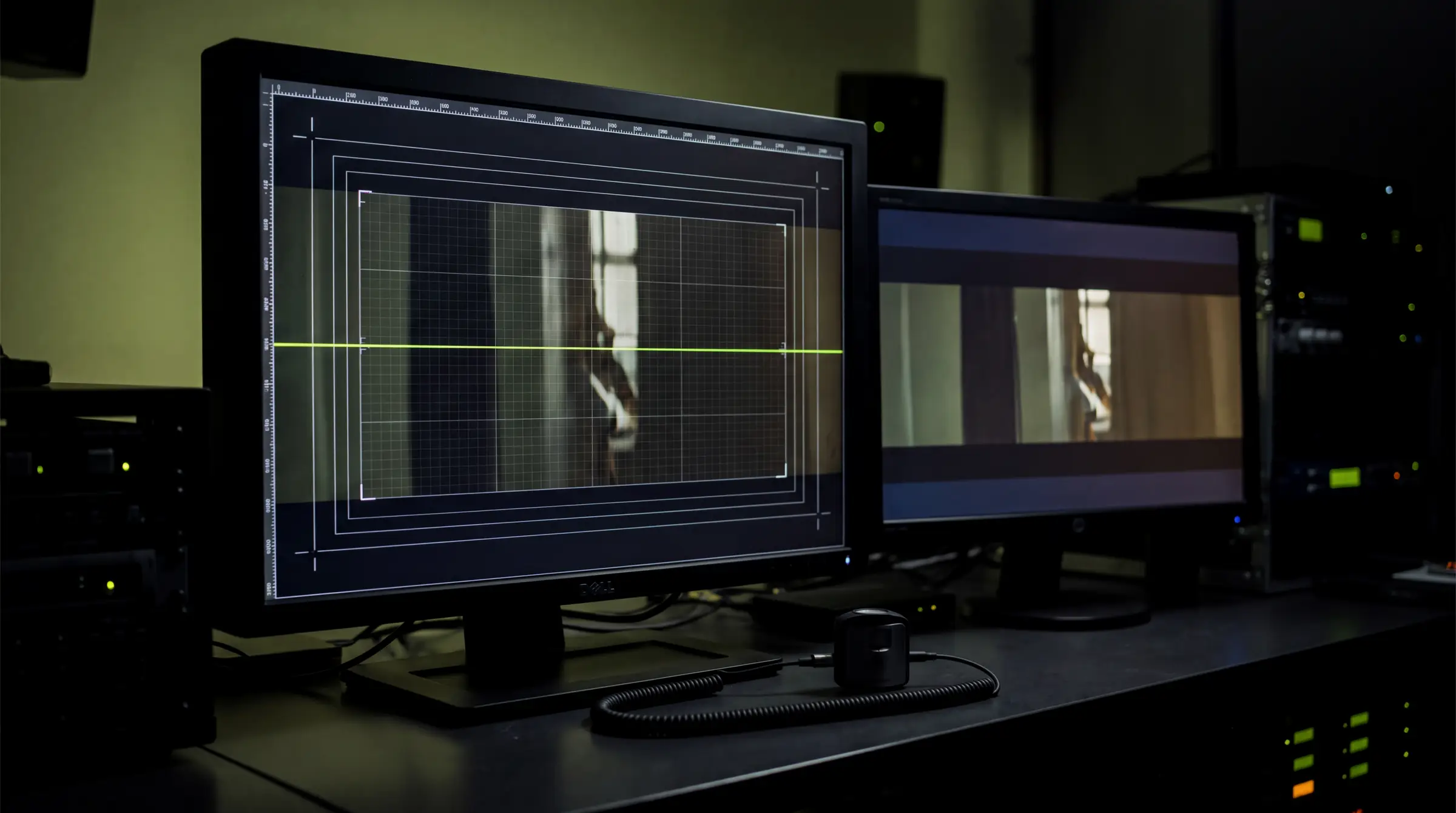
A finished film at 3840×2160 is not ready for a cinema, and the gap is not resolution — it is aspect. Cinema containers are wider. Closing that gap is a deliberate reframe with real creative consequences, and it is the step most often done by accident. Here is the geometry, then the exact node flow.
Watch the explainer
4:55
Narrated, with every diagram built on screen: two things called 4k, the conform, step by step and three ways it goes wrong.
01
Two things called 4K
UHD is 3840×2160, an aspect of 1.78 — the shape of a television. The cinema standard is 4096 wide, and the common theatrical containers sit at 1.90, 1.85 and 2.39. They are different shapes, not different sizes, which is why the conform can never be a stretch.
Scale uniformly to the container width, then crop or pad. Anything else distorts faces and circles in a way an audience notices immediately even when it cannot name what is wrong.
Fig 1 — UHD against the cinema containers, drawn to scale. The lime bands are the width UHD does not fill; the olive bands are the height a Scope crop removes.
02
The containers, and how UHD maps into each
Confirm which container your exhibitor or festival wants before conforming a single shot. Flat and Scope are the two common theatrical shapes; Full is the entire cinema window and is used less often for narrative work.
| Container | Resolution | Aspect | How UHD 3840×2160 maps into it |
|---|---|---|---|
| UHD (source) | 3840 × 2160 | 1.78 | Your render or generated output — the starting point |
| DCI Full | 4096 × 2160 | 1.90 | Scale to 4096 wide, then crop top and bottom — or pillar-pad the sides |
| DCI Flat | 3996 × 2160 | 1.85 | Near match — a small uniform upscale and a slight top/bottom crop |
| DCI Scope | 4096 × 1716 | 2.39 | Scale to 4096 wide, then crop height to 1716 — the wide letterbox look |
← Swipe for the rest of the table →
← Drag for the rest of the table →
Uniform scale factor from UHD to a 4096-wide container: 4096 ÷ 3840 ≈ 1.0667.
Frame a little wider than you need and the crop never costs you the shot.
03
The conform, step by step
This runs in Blender's compositor rather than a video editor, because the compositor gives pixel-precise transform, crop and overlay control that a timeline does not.
01
Choose the target container
TOOL
Decision, not software
USE
Full 1.90 · Flat 1.85 · Scope 2.39
GET
The aspect you will conform to
Confirm with the exhibitor or festival which container they want, and write it at the top of the conform notes. Flat and Scope are the common theatrical two.
Why: The target dictates every crop and pad decision downstream. Deciding late means re-conforming every shot in the film.
02
Set Blender's output canvas
TOOL
Blender — Output Properties
USE
Resolution X/Y at the container, 100% scale, 24fps
GET
The correct canvas
Set resolution to your target — 4096×2160 for Full, 4096×1716 for Scope — at 100% scale and 24fps. Do not work at a percentage and scale up later.
Why: Compositing directly at the container means the footage is scaled exactly once. A pipeline that scales at ingest, again at conform and again at export has spent its sharpness three times over.
03
Load the footage in the compositor
TOOL
Blender Compositor
USE
Image or Movie Clip node, Use Nodes enabled
GET
The source in the node graph
Enable Use Nodes and bring in the UHD sequence or clip. Work from an image sequence where possible rather than a movie file.
Why: The compositor gives exact transform, crop and overlay control that the sequencer does not — the right tool for precise reframing.
04
Scale uniformly to the container width
TOOL
Blender — Scale node
USE
Relative mode, aspect locked, factor ≈ 1.0667
GET
Footage at container width
Scale both axes by the same factor so the width fills the container: 4096 ÷ 3840 ≈ 1.0667. Set both X and Y to that value — never one without the other.
Why: Uniform scaling preserves shapes. Non-uniform stretch to make UHD 'fill' a wider container distorts faces and circles, and it is instantly visible to an audience.
05
Reframe — crop or pad
TOOL
Blender — Translate + Crop, or Alpha Over
USE
Crop for full-container; composite over black to pad
GET
The framed image
For a full-container look, translate vertically to taste and crop the excess height. For a pillar or letterbox look, composite the footage over a black plane at container size instead. Decide per shot based on where the important action sits.
Why: Crop gives an immersive, edge-to-edge frame at the cost of some height; pad preserves the entire original composition. Neither is universally right, which is why this is a shot-by-shot creative call.
06
Manage colour correctly
TOOL
Blender — Colour Management
USE
View Transform: AgX, Filmic or Rec.709
GET
A correctly tagged master
Keep a standard view transform and stop there. Do not convert to XYZ in Blender under any circumstances.
Why: The packaging tool performs the XYZ conversion when it wraps the package. Doing it here as well double-transforms every pixel and shifts the entire film — subtle enough to survive a casual review and fatal on a screen.
07
Render the conformed master
TOOL
Blender — Output
USE
OpenEXR, DPX or TIFF sequence, or ProRes 4444 at 24fps
GET
A lossless cinema master
Render the reframed result as an image sequence or ProRes 4444. Avoid H.264 here entirely.
Why: An uncompressed or ProRes intermediate feeds the encoder cleanly. H.264 compression artifacts get baked into the theatrical print and cannot be removed later.
08
Hand off for packaging
TOOL
DCP-o-matic or Resolve Studio
USE
Ingest the conformed master and wrap
GET
The finished package
Pass the conformed master to the encoder for JPEG 2000, XYZ and MXF wrapping, then QC on real hardware.
Why: Blender does the geometric reframe and colour preparation only — it has no native JPEG 2000, XYZ or MXF export, so packaging always happens downstream.
04
Three ways this goes wrong
Every conform failure worth naming falls into one of three categories, and all three are preventable at the point of decision rather than in review.
Conform failure modes
01
Stretching UHD to fill the container. Non-uniform scaling distorts anything with a recognisable shape — always scale uniformly, then crop or pad.
02
Framing without headroom. If a shot is composed edge to edge, the crop either reveals empty edges or eats the action. Render and generate a little wider than the container needs.
03
Double colour conversion. Blender prepares in a standard view transform; the packaging tool alone converts to XYZ. Doing both shifts every colour in the film.
05
References
The Blender compositor manual is the single most useful document here, and the ISDCF technical pages are what exhibitors themselves work from.
Primary documentation
Blender — Compositing
Node graph, Scale, Translate, Crop and Alpha Over — everything steps 03–05 use.
Blender — Colour Management
View transforms, and why you stop before XYZ.
Blender — Output properties
Canvas resolution, frame rate and sequence output for step 07.
ISDCF technical documents
Container definitions, naming conventions and delivery recommendations.
DCP-o-matic
Free packaging, with documentation covering the wrapping stage in step 08.
OpenColorIO
The colour pipeline underneath Blender's view transforms.
Key Takeaways
01
UHD and cinema 4K are different shapes, so the conform is a reframe, never a stretch.
02
Choose the container before the first shot is conformed.
03
Composite at the container so the footage is scaled exactly once (×1.0667 from UHD).
04
Let the packaging tool do the XYZ conversion — doing it twice shifts the whole film.
PAR2 Labs · Film Making
Work With Us